





What are the key responsibilities of a UX designer vs. a UI designer?
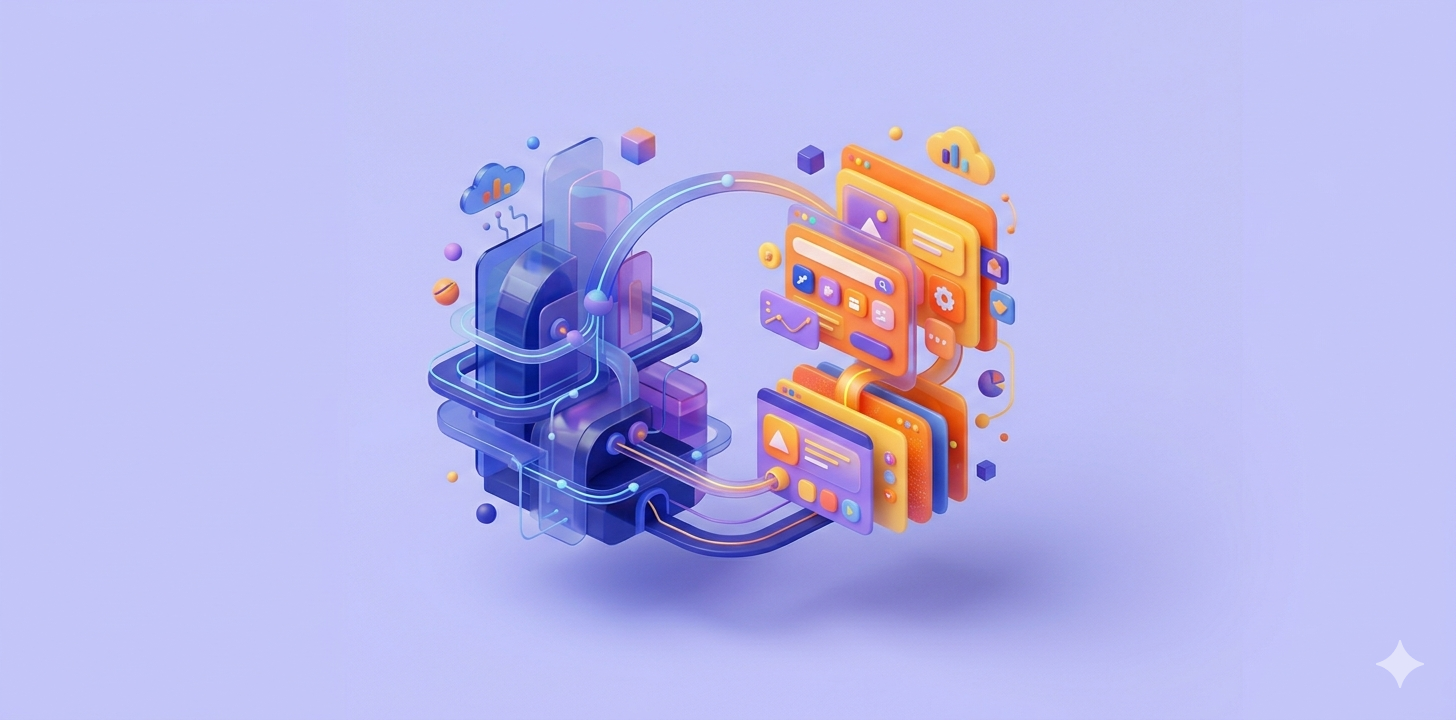
UX designers are responsible for research, strategy, and logical flow, while UI designers focus on visual design, branding, and interactivity.
This allows teams to split the workload between “how it works” and “how it looks,” ensuring neither functionality nor aesthetics are compromised.
UX Tasks:
- User personas, site maps, and usability testing.
- Building low-fidelity wireframes (skeletons of pages).
UI Tasks:
- Typography, color theory, and responsive layouts.
- Ensuring the design looks great on both phones and desktops.
What are the common tools used in UX and UI design?
Industry professionals typically use Figma and Adobe XD for design and prototyping, while platforms like Hocoos are used for automated, AI-driven creation.
These tools allow designers to build “clickable” versions of a site to test the experience before a single line of code is written.
Which is more important: UX or UI?
Neither is more important; they are equal components of a single experience, as one cannot function effectively without the other.
A “UX-only” site is a boring spreadsheet, and a “UI-only” site is a confusing piece of art. Success requires a balance of both logic and beauty.
How do UX and UI impact a business’s bottom line and ROI?
Strategic design increases ROI by removing the “friction” that causes users to give up before buying or signing up.
Every “click” saved in a user journey (UX) and every bit of trust built through professional visuals (UI) directly correlates to higher sales.
What are the career prospects for UX and UI designers?
The job market is highly lucrative, with a growing demand for “Product Designers” who can handle both the analytical and visual sides of design.
As every business becomes a digital business, the ability to design human-centric interfaces has become a top-tier skill in the global economy.
How is AI changing the UX and UI landscape?
AI is automating the repetitive parts of design, such as layout generation and image cropping, allowing designers to focus on high-level strategy.
Strumenti come Hocoos allow users to generate professional-grade UX/UI frameworks in seconds, democratizing access to high-end web design.
Conclusione
UX and UI are inseparable partners that determine whether a digital product flourishes or fails by balancing human logic with visual appeal. By focusing on both, you ensure your platform is not only functional enough to solve problems but also beautiful enough to retain customers.